Cloud pricing is easier to follow when you can connect a line on the invoice to a resource in your project. On Helicarrier, the useful starting point is the service: its compute plan, number of running instances, storage, and optional add-ons.
Start with running compute.
A standard Heli S1 compute service has 512 MB of reserved RAM and a monthly rate of $3 with shared CPU. That monthly figure describes continuous operation. Running compute is metered by the minute, so a service that runs for part of the billing period accrues a corresponding part of the running-compute rate.
Standard rates are the baseline catalog. Your dashboard shows the active rates for your account, and the invoice records the actual charges for the billing period.
Count every instance.
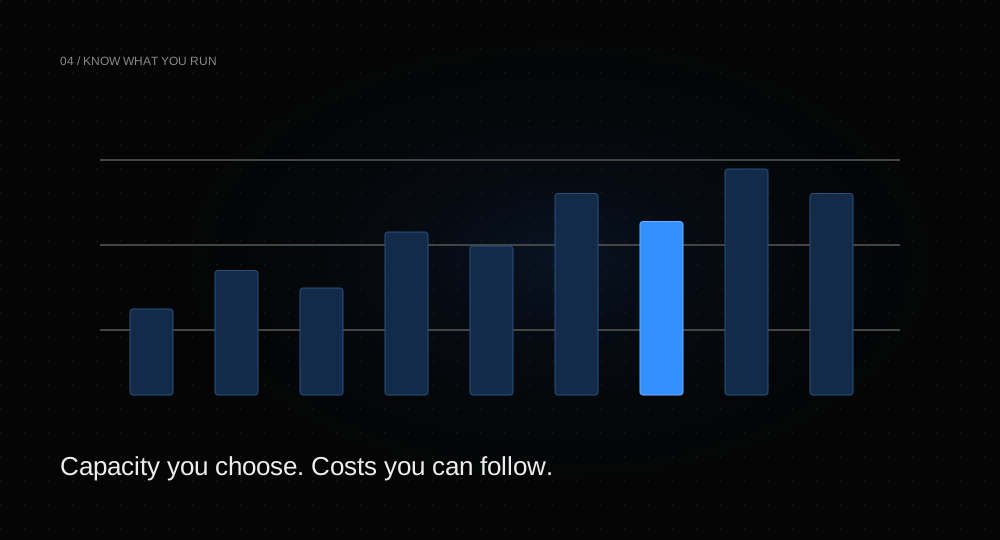
Two running instances use twice the compute of one equivalent instance. Autoscaling can change that count over time, within the minimum and maximum you configure. Pick a maximum with both capacity and spend in mind.
A simple planning estimate for a 30-day month is:
monthly compute estimate =
  plan monthly rate
  × instance count
  × (hours running per day / 24)

Example: $6 × 2 × (12 / 24) = $6
This is a planning model, not an invoice calculation. The platform meters actual usage over time. Try the interactive compute calculator to compare sizes, instance counts, and runtime.
Keep storage separate.
Databases have provisioned storage in addition to compute. At standard rates, a 512 MB database plan with 2 GB of default storage totals $3.50 per month: $3 of compute plus $0.50 of storage. Optional daily backups add 20% of the storage fee.
Heli Bucket uses a different pricing shape: $0.08 per provisioned GB per month. It is billed on the capacity you choose, not on the exact number of bytes you happen to store. The bucket has a hard quota; optional auto-expand increases both capacity and the associated rate.
Stopping and deleting are different.
Under standard metered billing, stopping a service stops its service-charge accrual. Dedicated IPs are billed independently while held, and account-specific flat bundles can follow different rules. Review the dashboard and the billing guide before making cost decisions.
Deletion also has data consequences. Before removing a database or bucket, export anything you need and verify the backup. Do not use deletion as a routine pause mechanism for data you intend to keep.
Make a small review part of the workflow.
After the application has real traffic, inspect memory and CPU metrics rather than sizing from a guess. Review unused environments, extra instances, optional add-ons, and retained data. A quieter staging environment may need a different plan from production.
For Nigerian billing accounts, charges use naira. The pricing page can display a conversion using the platform’s published exchange rate when available; the account dashboard and invoice remain the source of truth for what you owe.
See all standard rates and the scaling guide to connect resource choices to workload needs.