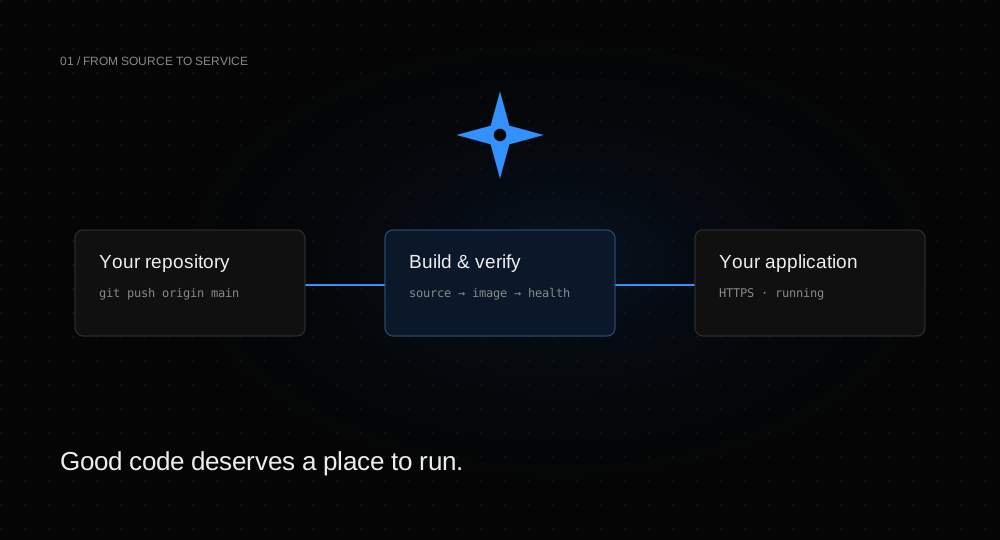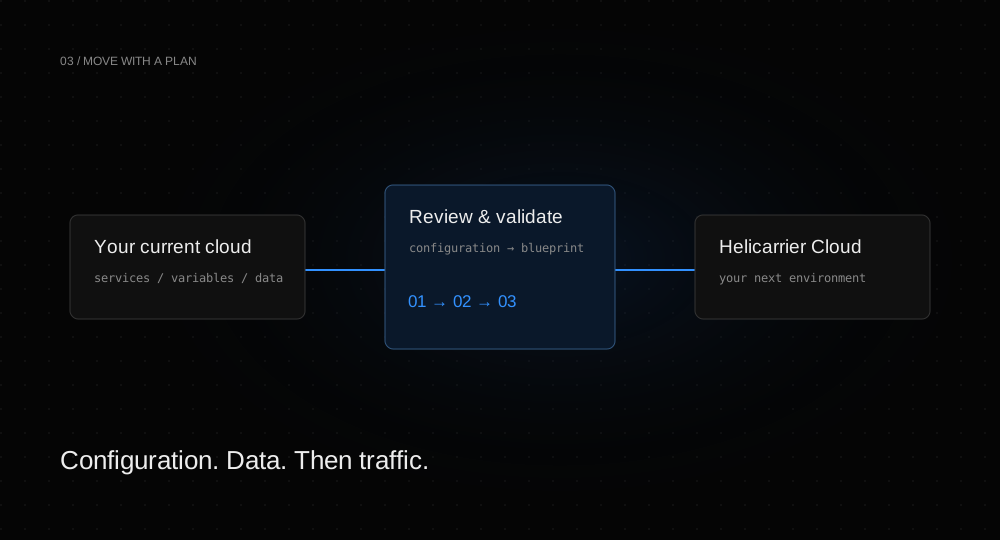
A cloud migration is easier to understand as three separate moves: the application configuration, the persistent data, and the traffic. Import tooling can accelerate the first move. The other two still need a plan that fits your application.
Inventory what actually runs.
List the services, their source repositories or images, required environment variables, databases, scheduled jobs, and domains. Note any external dependencies that rely on source IP allowlists. Check which services write data and which can safely run in two places at once.
This inventory does not need to be elaborate. It does need to distinguish a web process from a queue worker: starting a second web service for testing is usually different from starting a second worker that consumes live production jobs.
Import, then review.
Choose Render, Railway, or Vercel in Helicarrier’s import flow and supply a provider token. Inspect the generated blueprint before applying it. Confirm source, runtime type, build commands, variables, and references for every service.
Render and Railway imports can bring multiple services and their configuration. A Vercel project maps to one Helicarrier service and must have a connected Git repository. Its external database URLs remain unchanged; Vercel database data is not copied by this import.
Choose a data strategy.
For PostgreSQL, the supported import flow uses a dump and restore into the managed database. For other engines, plan an export and import with the engine’s tools. Check versions, extensions, encoding, and expected storage capacity before beginning.
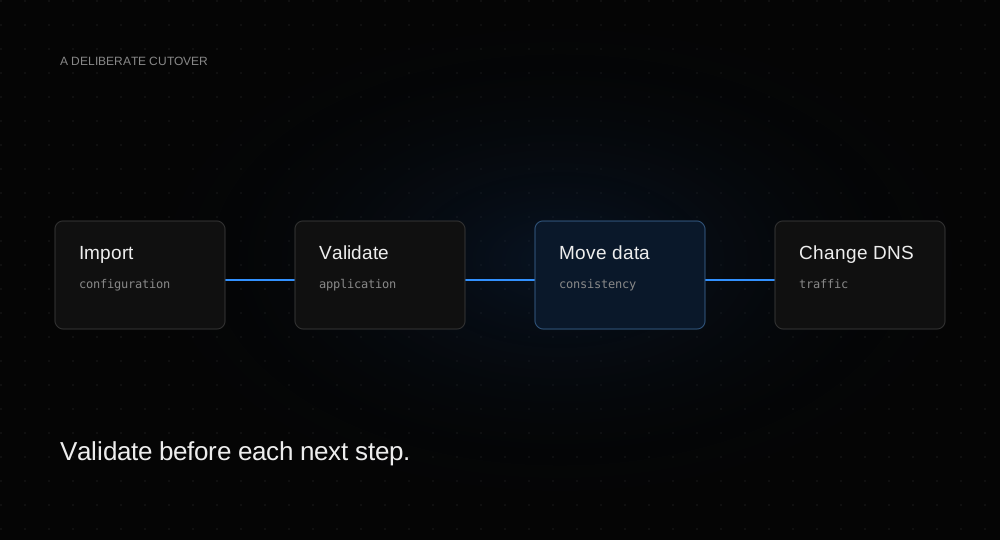
A dump made while users are still writing is a snapshot, not a continuous replication strategy. Decide whether you need a maintenance window, a write freeze, or a more advanced replication approach. Do not assume an importer solves consistency during the cutover.
Test with the generated endpoint.
Exercise the new service before moving a custom domain. Check login, reads, writes, uploads, jobs, and outbound integrations. Watch runtime logs and resource usage. Verify that scheduled jobs and workers are not accidentally operating on the old production environment.
Move traffic, then observe.
Add the custom domain and use the DNS target shown by Helicarrier. Keep the original service available during the transition so cached DNS records still reach a working endpoint. Monitor errors and key application behavior after the change.
Define your rollback decision before the cutover. Once new writes reach the new database, moving traffic back may require a data reconciliation rather than just a DNS change.
Close out the migration.
After validation, retire the old resources intentionally, revoke temporary provider tokens, and update any runbooks or CI configuration. Review both providers’ resource lists and billing dashboards to avoid leaving an unused database or volume running.
The provider migration guide explains what each importer carries across. Pair it with the backup guide and domain setup guide for the full workflow.